Create Courses Faster with AI
Use AI assistance to generate course content, structure learning material and modify selected sections of an existing course.
Self-Paced training
Create structured, interactive self-paced courses that help learners build knowledge progressively — with engaging content, practical activities and continuous progress tracking.
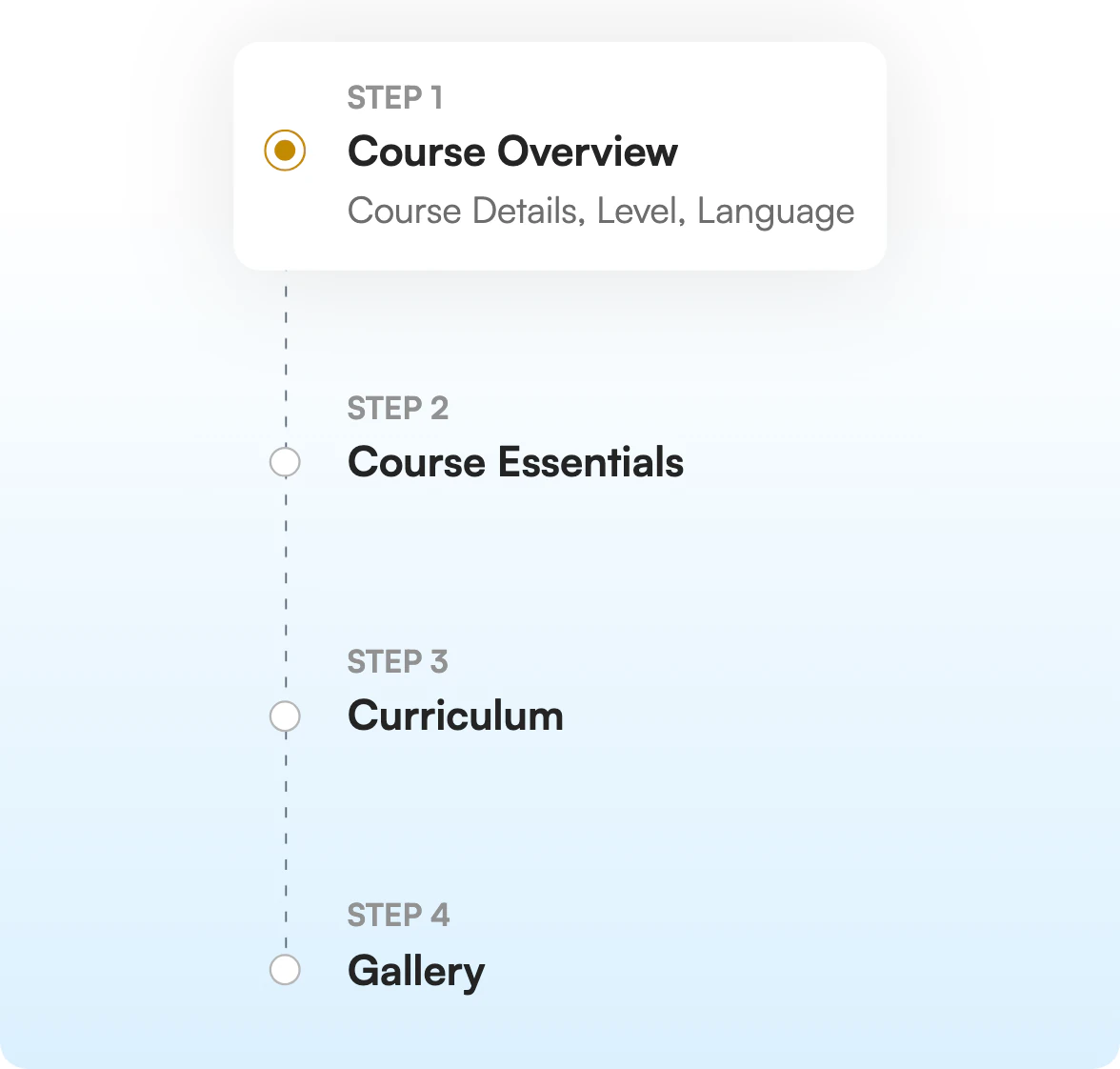
Course Creation
Self-paced learning should be more than watching videos or reading lessons. With Learnato, training providers can create guided learning journeys that combine lessons, practice, assessments and feedback.
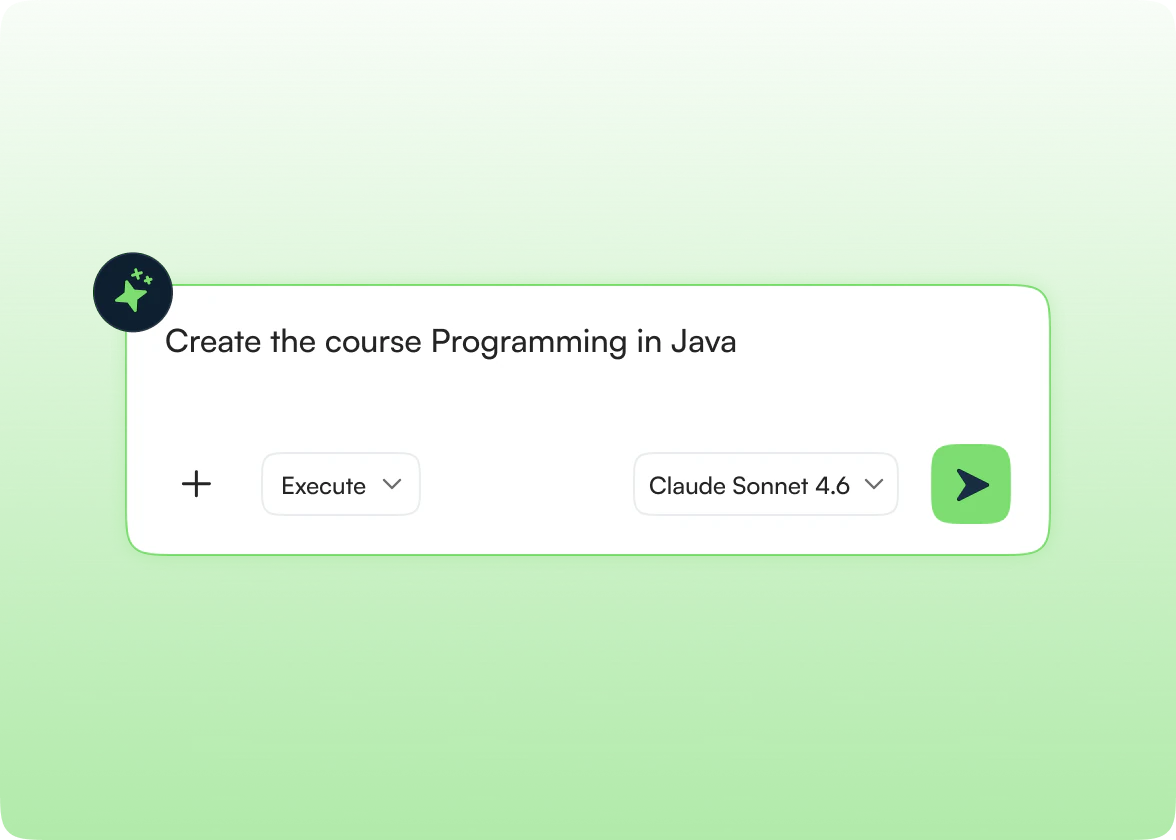
AI-Assisted Creation
Use AI to accelerate course creation while keeping your training team in control. Generate course content, structure learning material and refine selected sections of an existing course.
Capabilities
Use AI assistance to generate course content, structure learning material and modify selected sections of an existing course.
Create reusable learning activities and apply them across courses or batches whenever needed.
Use learner activity, assessment results and feedback to identify gaps and refine course content over time.
Organize lessons and activities into a clear, progressive curriculum that guides learners from foundational concepts to advanced topics.
Go beyond passive content with knowledge checks, quizzes, assessments, labs, surveys and practical activities.
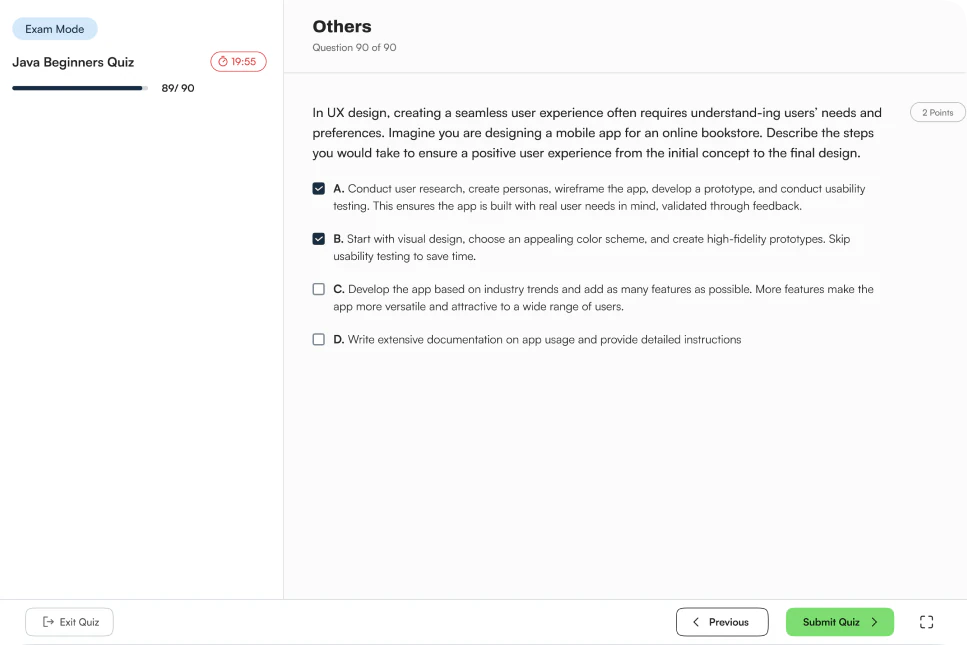
Use quiz practice mode for learning and revision, or exam mode for formal evaluation of learner understanding.
Connect learning activities and assessments to skills so learners can develop and demonstrate relevant capabilities.
Let learners access assigned courses, revisit content and progress according to their availability and learning speed.
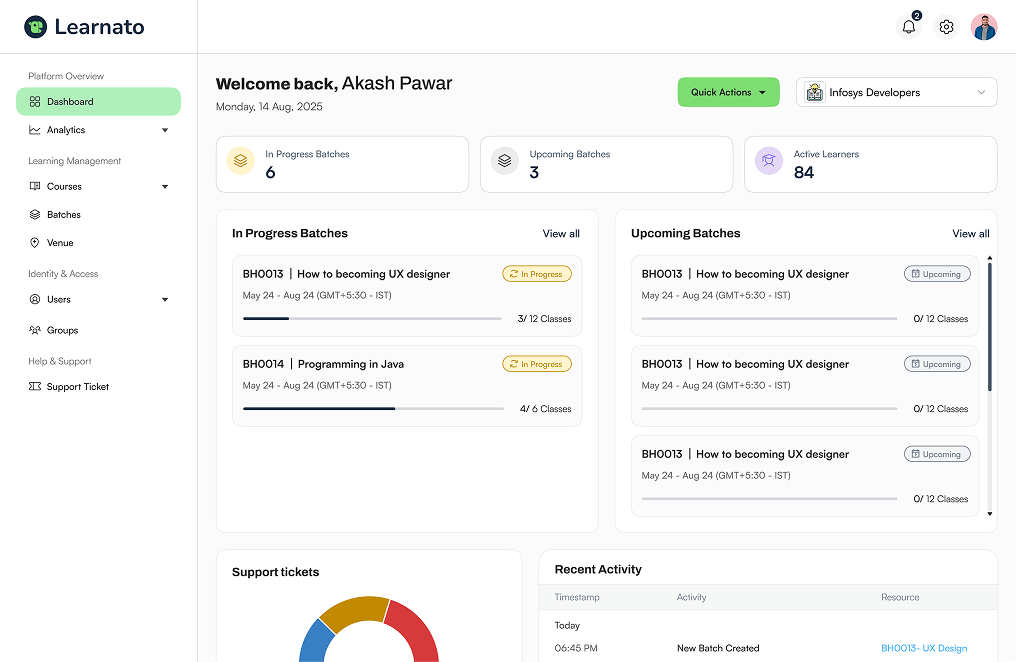
Monitor course completion, activity participation, assessment performance and learner progress from one platform.
Quizzes
Give learners different ways to engage with quizzes depending on the learning objective. Use practice mode to reinforce knowledge and exam mode when the goal is formal evaluation.
Help learners revise concepts, test their understanding and learn from repeated attempts in a lower-pressure environment.
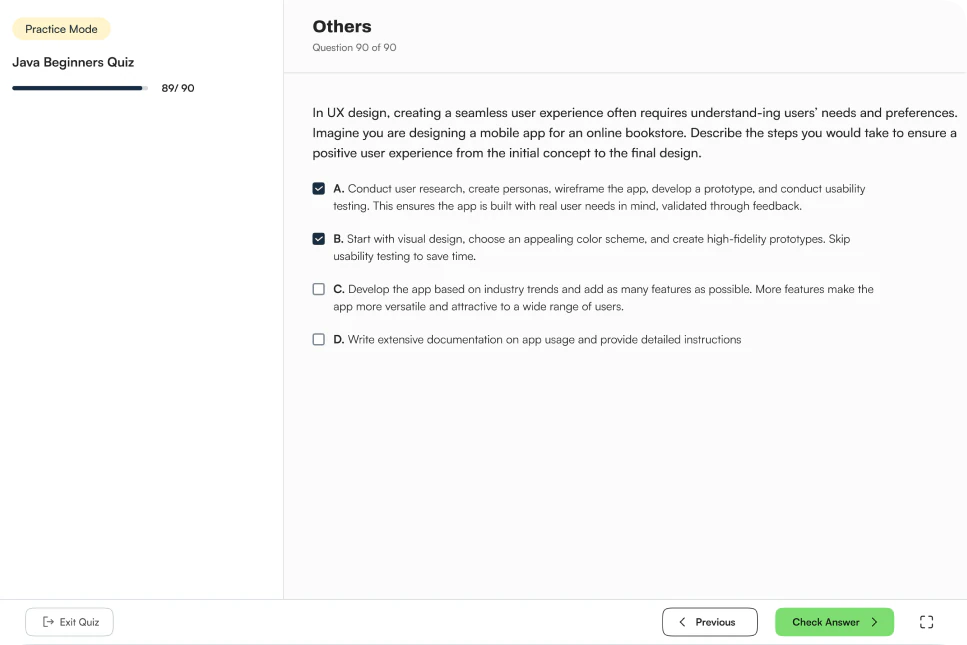
Use exam mode for formal evaluation, where learner performance can be measured against defined assessment requirements.
Learning Activities
Add interactive activities throughout the course to reinforce concepts, check understanding and create opportunities for application.
Confirm understanding of key concepts inline, without breaking the learning flow.
Reinforce knowledge through practice or formal evaluation with configurable quiz modes.
Provide guided opportunities to practice skills in a structured, hands-on environment.
Collect learner feedback and understand the learning experience to refine courses.
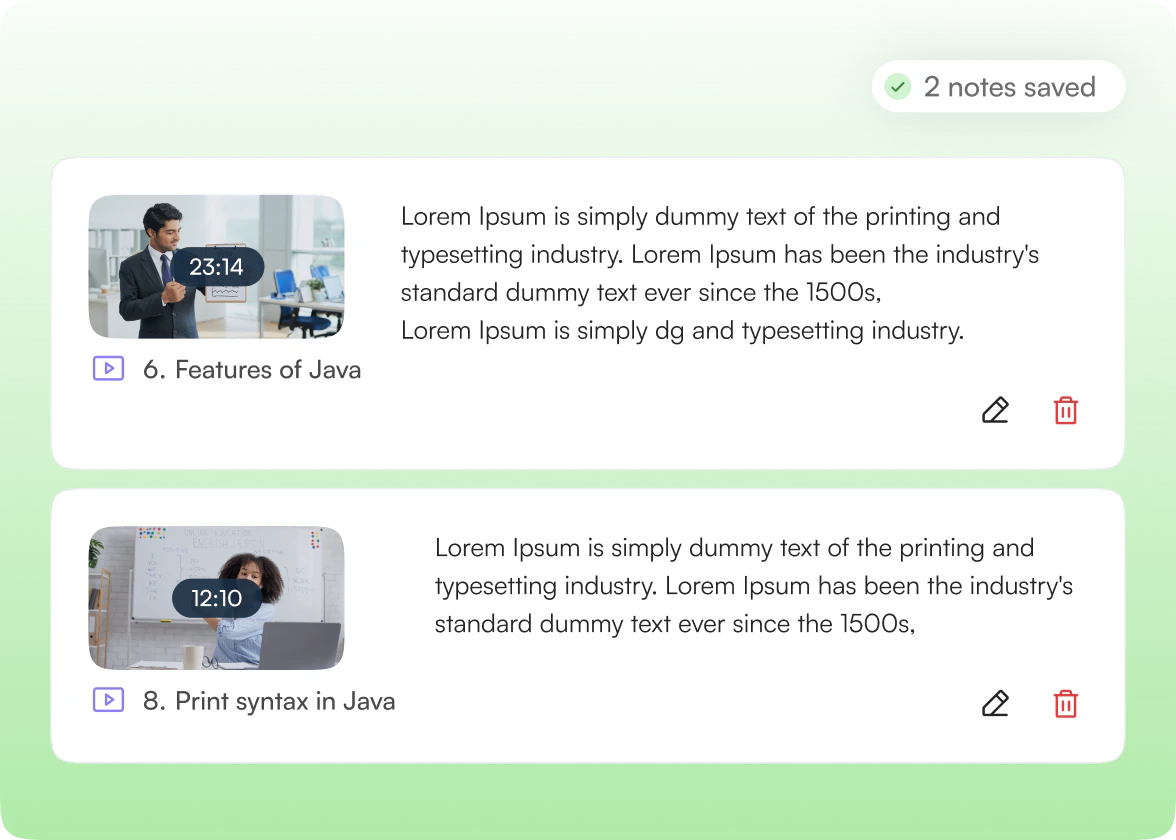
Learner Tools
Help learners stay actively engaged with course content. While watching video lessons, learners can save important points, explanations and reminders as personal notes for later revision.
Learner Experience
Make self-paced learning easy to navigate and simple to continue. Learners can access assigned courses, follow the curriculum, complete activities, practise concepts and track what remains.
Progress Tracking
Show the skills learners develop through their learning journey.

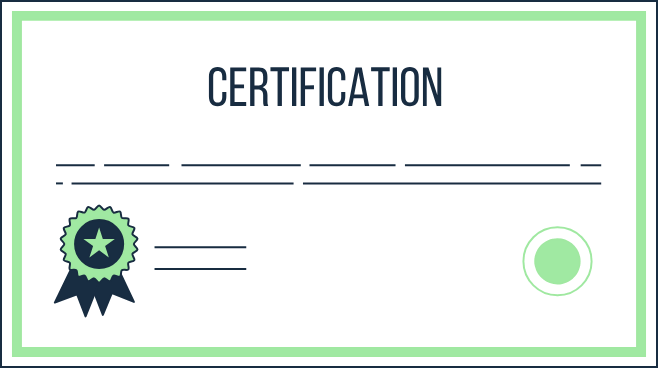
Recognize completed learning and earned achievements.
A 30-minute walkthrough, tailored to how your team creates and delivers courses.