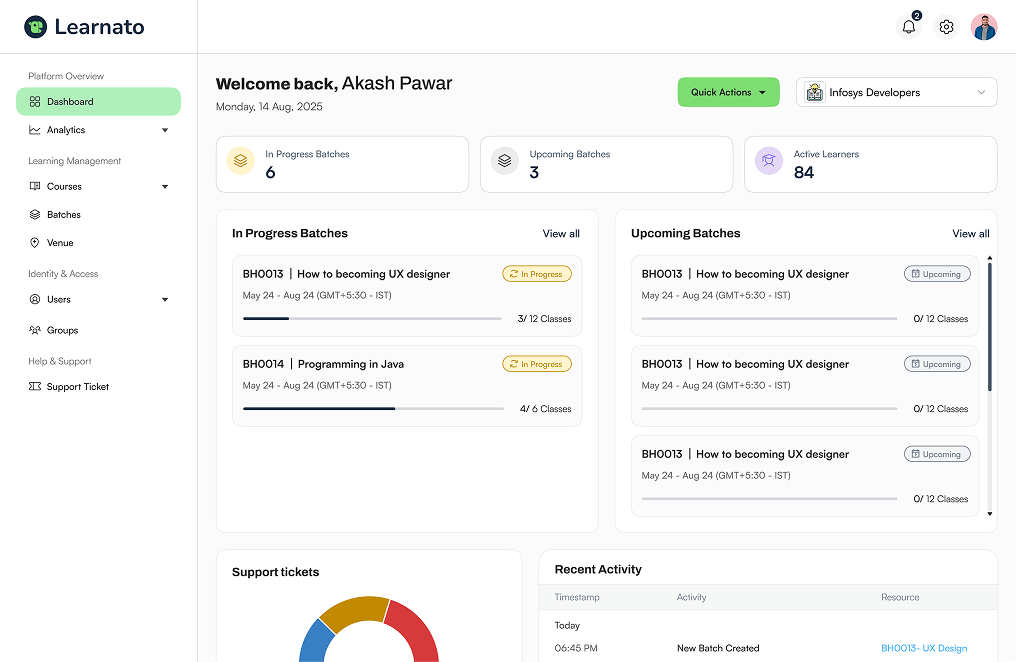
Knowledge Checks
Turn every chapter into a moment of understanding.
Give learners a quick way to check what they’ve understood—right where learning happens. Create Knowledge Checks with AI or manually, show results instantly, and let learners retry until they’re ready to move forward.
Checkpoint placement
Place a checkpoint inside every chapter.
Add Knowledge Checks directly into self-paced and instructor-led learning wherever learners need to pause, reflect and verify their understanding.
- Self-Paced
Learn. Check. Continue.
Place Knowledge Checks inside self-paced chapters to help learners validate their understanding as they progress.
- Video Lesson
- Knowledge Check
- Next Lesson
- Instructor-Led
Check understanding during training.
Use Knowledge Checks within instructor-led learning to reinforce concepts and create quick checkpoints during the learning experience.
- Classroom Content
- Knowledge Check
- Continue Learning
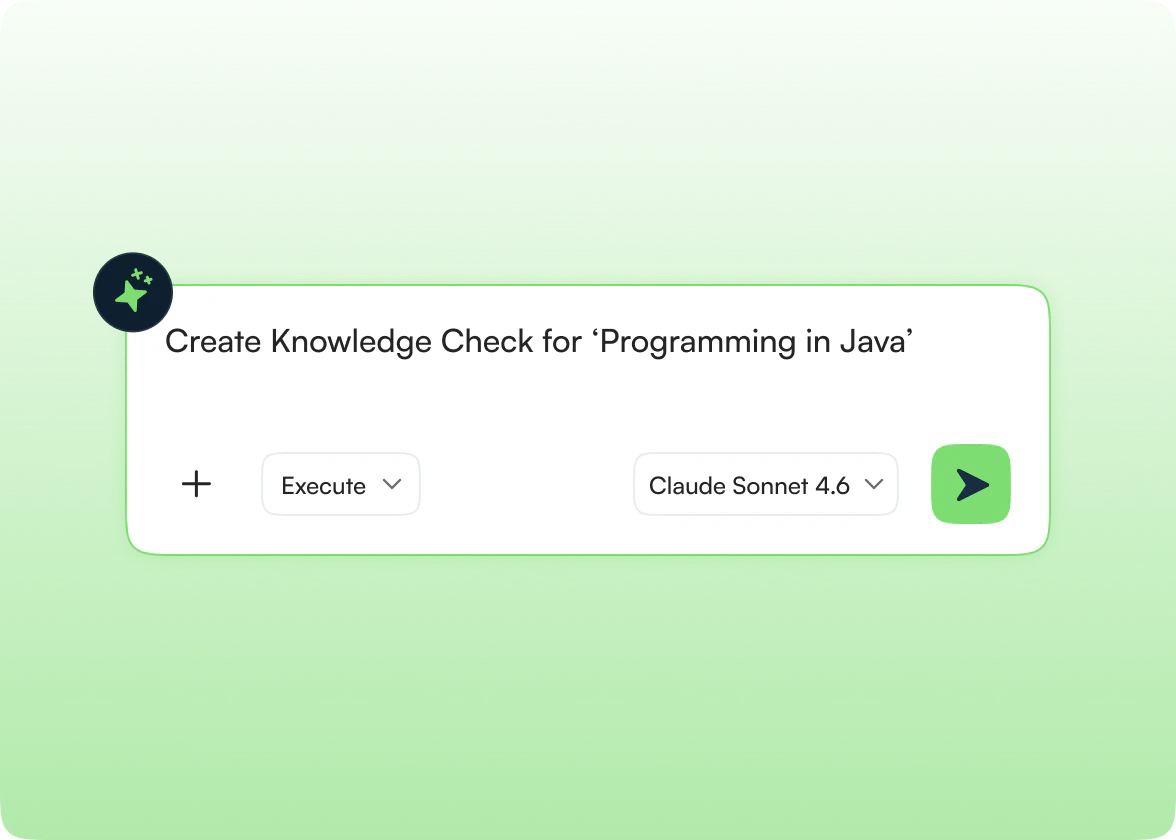
Authoring Capabilities
Create your way
Build checks manually when you want full control, or use AI to accelerate creation and refinement. Keep AI elegant and secondary.
Build Manually
Create questions, define answers, attach skills and configure how learners will be evaluated.
Create with AI
Use AI to help create a Knowledge Check from your learning content to bootstrap your authoring.
Improve Existing Content
Use AI to refine an existing Knowledge Check instead of starting over. Improve clarity or shift focus easily.
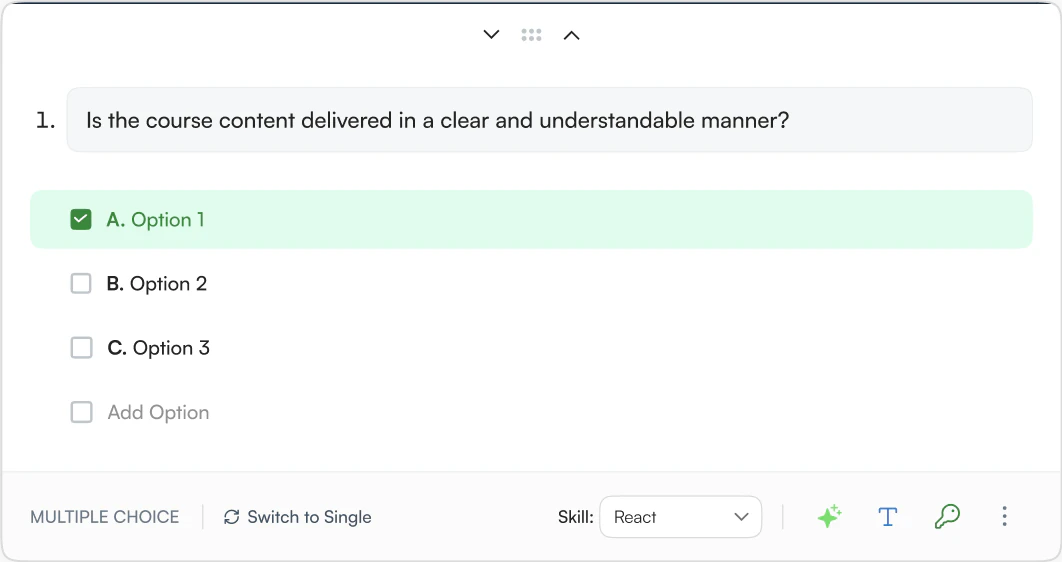
Every question can measure a skill.
Connect individual questions to the skills they are designed to reinforce, giving every Knowledge Check a stronger learning purpose. No automated skill validation claims are made.
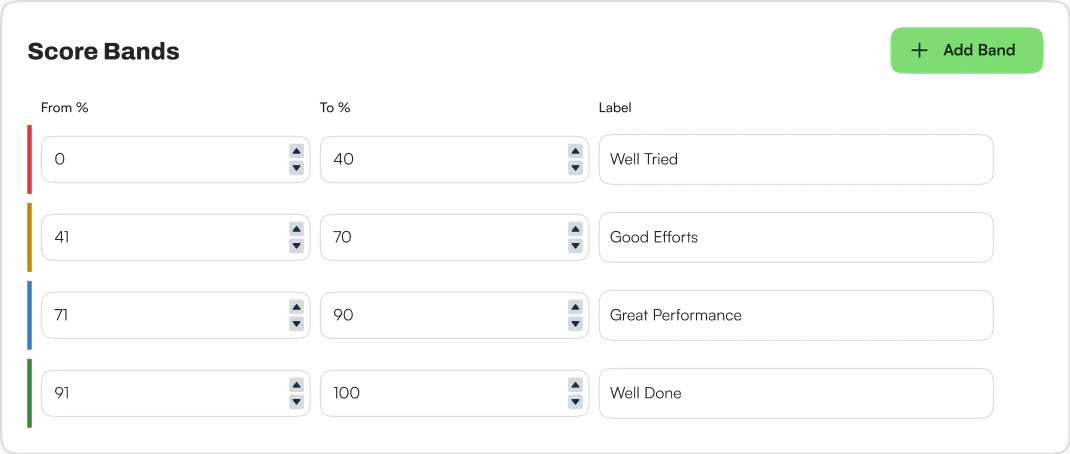
Define what success looks like.
Set score bands and passing criteria so learners know how their performance is interpreted. Score bands and thresholds are configurable.
Immediate Insights
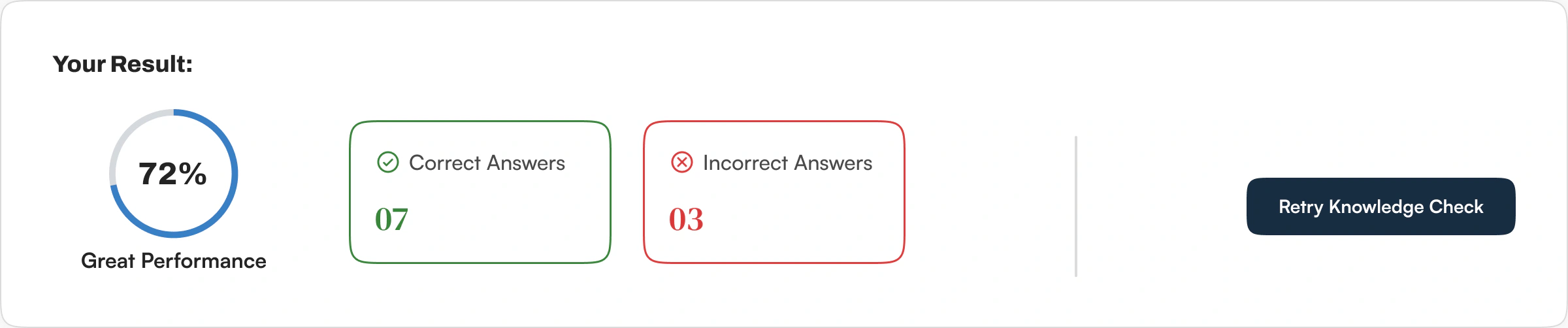
Results appear immediately.
Learners don't have to wait to understand how they performed. As soon as they complete the Knowledge Check, they can see their result and what they got right or wrong.
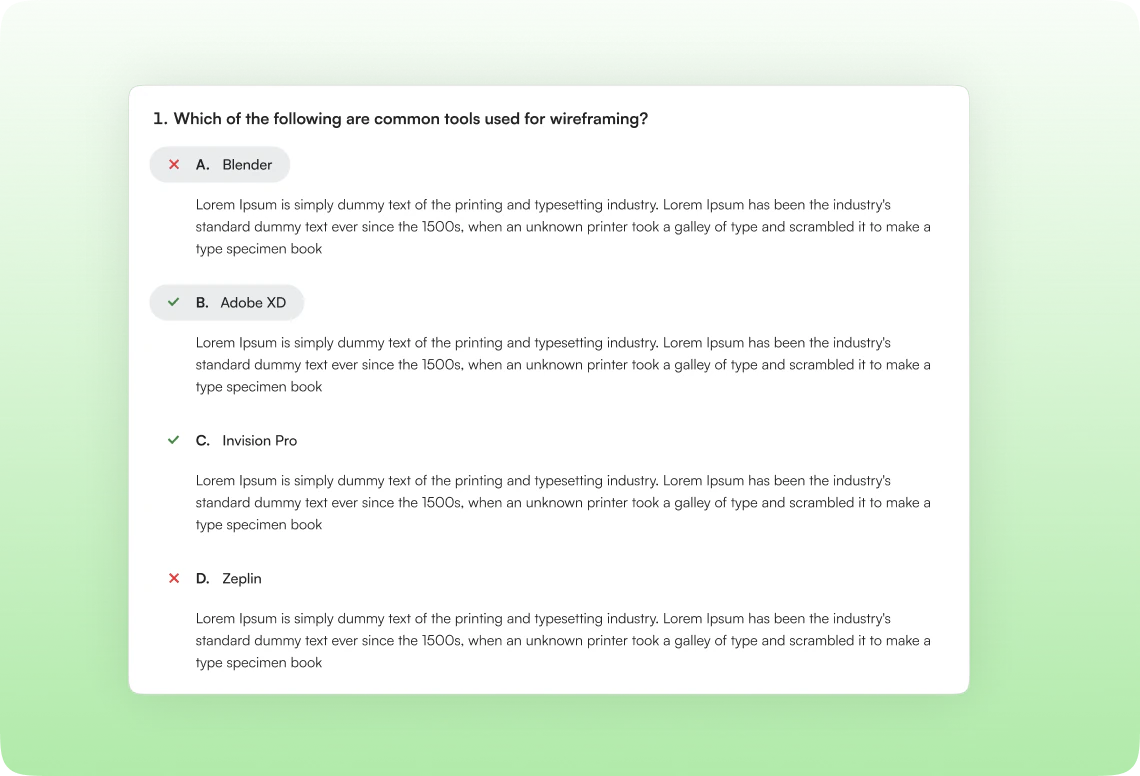
Remediation
Turn mistakes into learning.
Learners can review their answers immediately after completing the check, making incorrect answers another opportunity to learn.
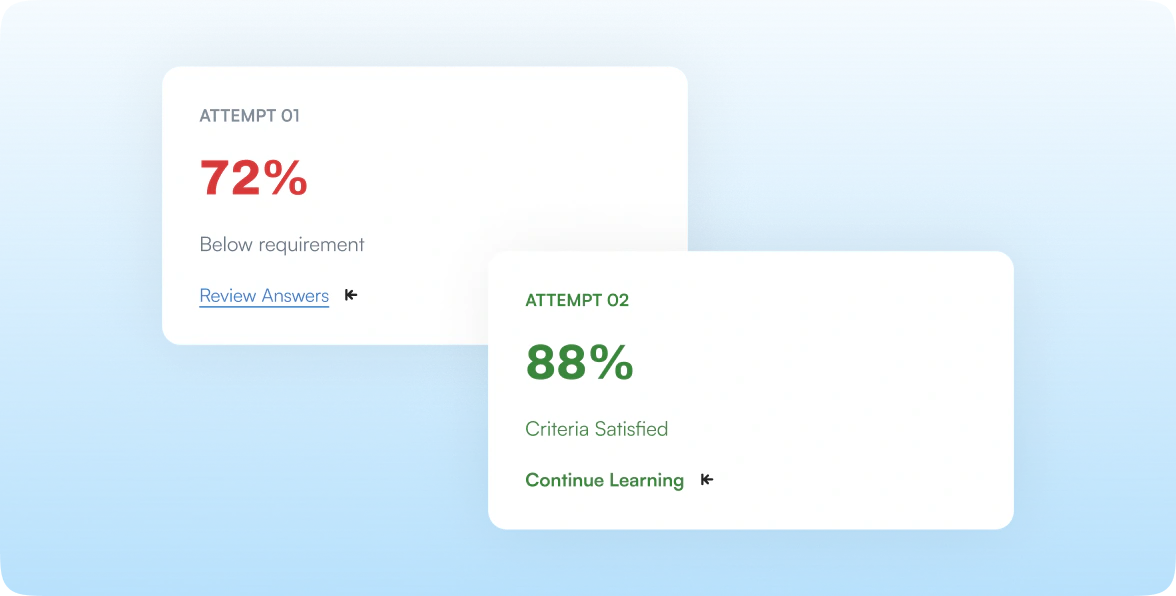
Multi-Attempt Loop
Give learners another chance to understand.
Knowledge Checks can be attempted multiple times, so learners can review their mistakes, retry and strengthen their understanding. Learners can attempt the Knowledge Check multiple times.
Implementation
Works wherever learning happens.
Self-Paced Courses
Place Knowledge Checks directly inside chapters as learners move through a self-paced course.
Video → Knowledge Check → Lesson → Knowledge Check → Next Chapter
Instructor-Led Courses
Use Knowledge Checks within instructor-led learning to reinforce concepts and check understanding during the learning journey.
Learning Content → Knowledge Check → Discussion / Learning Activity → Next Topic
Value Proposition
Small checkpoints. Stronger learning.
How Knowledge Checks improve program retention and performance.
Reinforce Learning
Help learners verify their understanding before moving forward.
Keep Learning Active
Place lightweight checks directly inside chapters instead of separating them from learning.
Make every Question meaningful
Connect questions to the skills they reinforce.
Let Learners learn from Results
Show results immediately and give learners the opportunity to review and retry.

See Learnato running your training programs.
A 30-minute walkthrough, tailored to how your team creates and delivers courses.