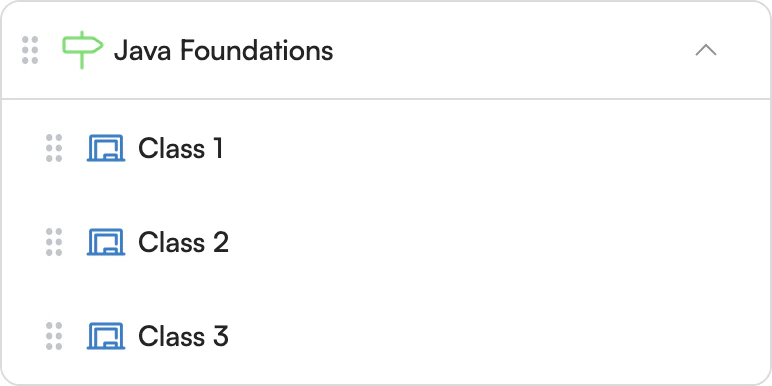
Milestones
Structured Classes
Organize the learning journey into structured stages, with classes scheduled within each milestone.
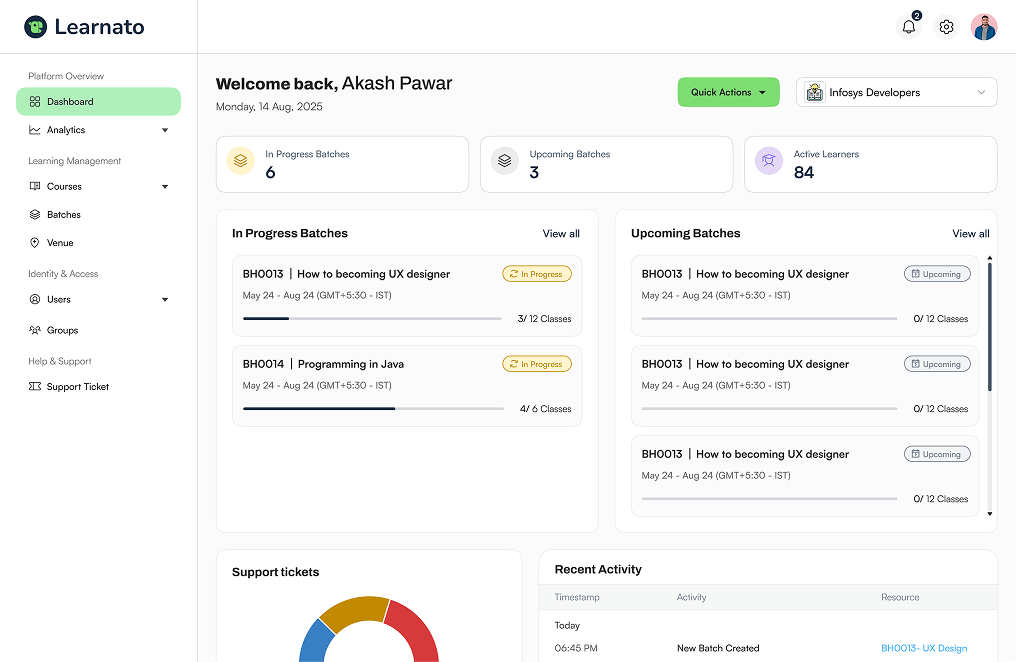
Batch Scheduling
Create online, offline or hybrid batches, schedule every class, project and event, and keep learners and instructors aligned from one place.
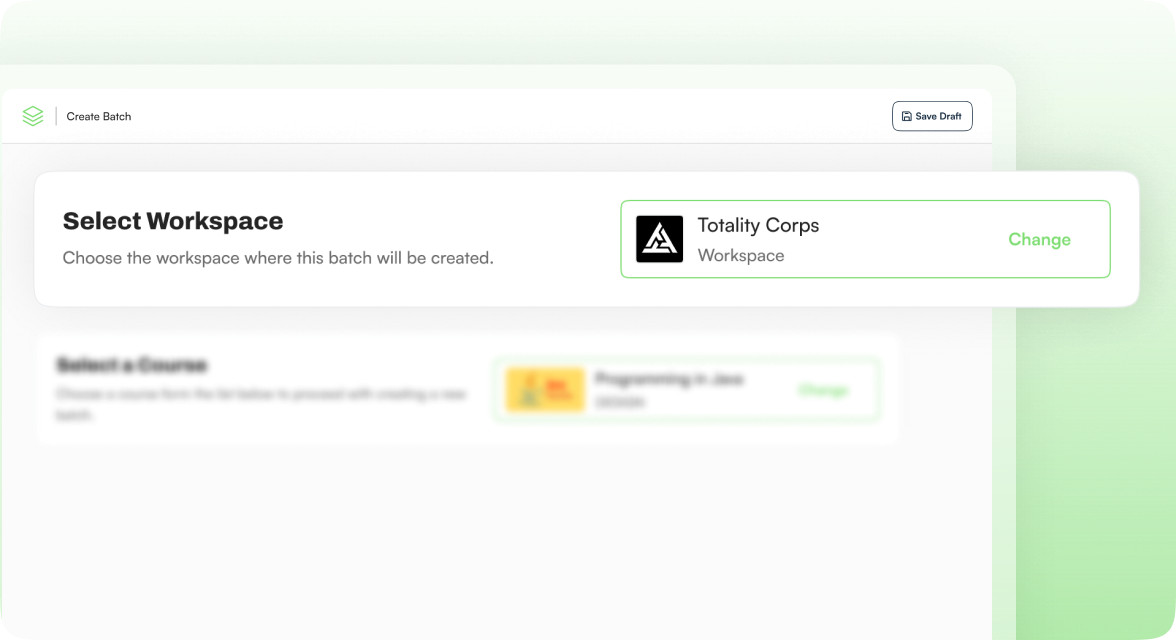
Every batch belongs to one workspace. Learners and instructors can only see and join sessions scheduled for their own workspace, keeping client delivery data isolated and secure.
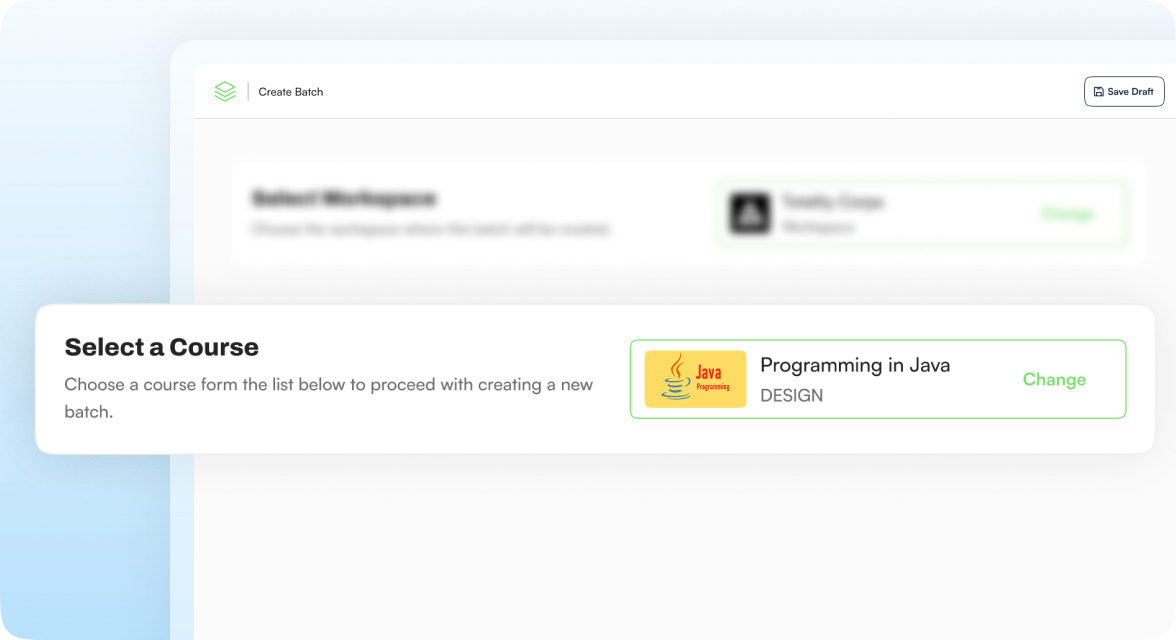
Course Creators build reusable ILT course templates. Workspace Admins, and Operations teams then schedule batches from those templates, keeping each batch scoped to one workspace and accessible only to users in that workspace.
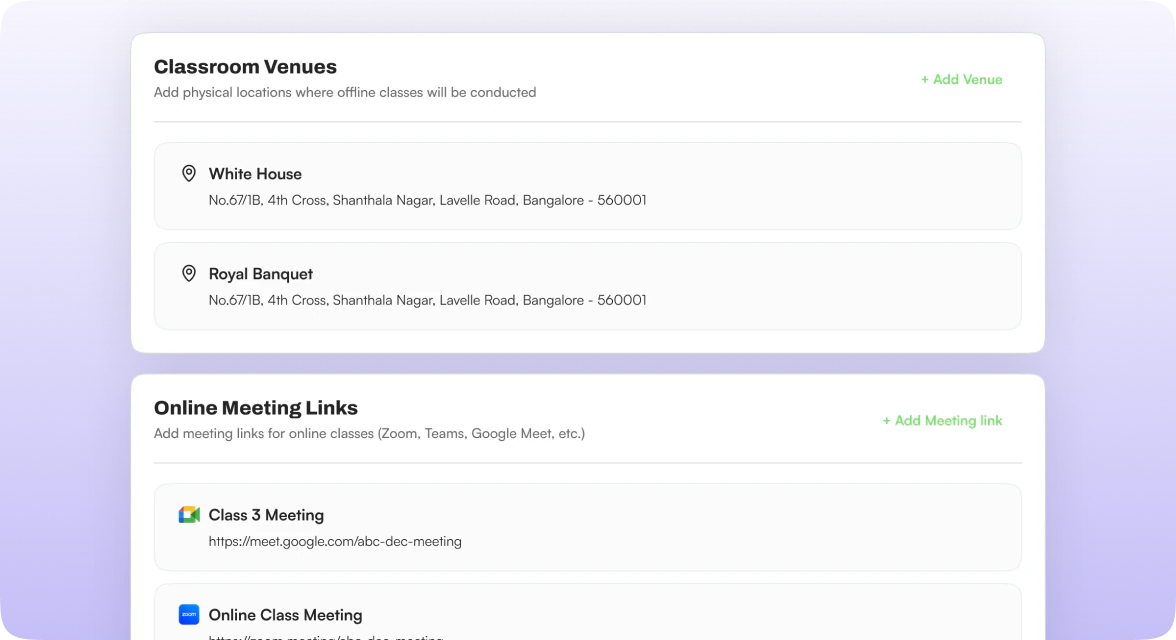
Configure online sessions with Zoom or Google Meet, offline sessions with physical classroom venues, or hybrid mixes. Each batch can use the delivery model that best fits the client, venue, and instructor.
A batch inherits the course curriculum, while specific dates, instructors, and delivery details are configured flexibly during scheduling.
Structured Classes
Organize the learning journey into structured stages, with classes scheduled within each milestone.
Practical Application
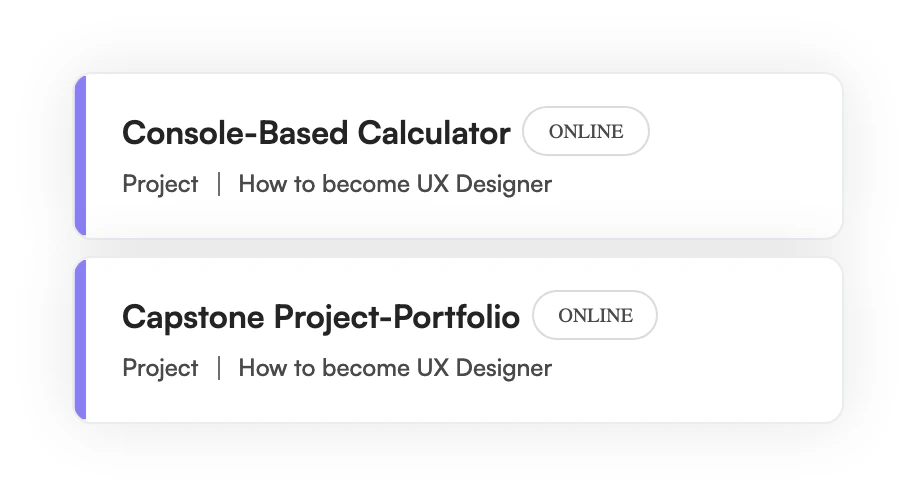
Schedule practical project sessions as part of the batch experience.
Flexible Touchpoints
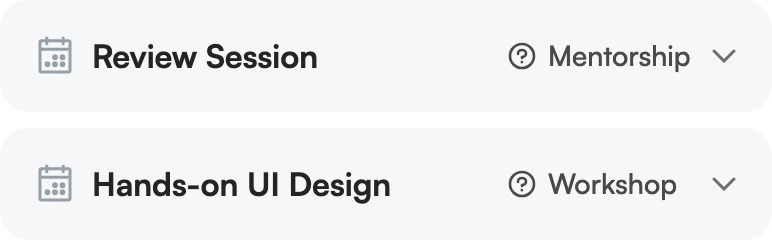
Add learning events such as review sessions, mentorship, doubt clearing sessions, workshops, webinars or office hours.
Batch Scheduling Workflow
Step - 01
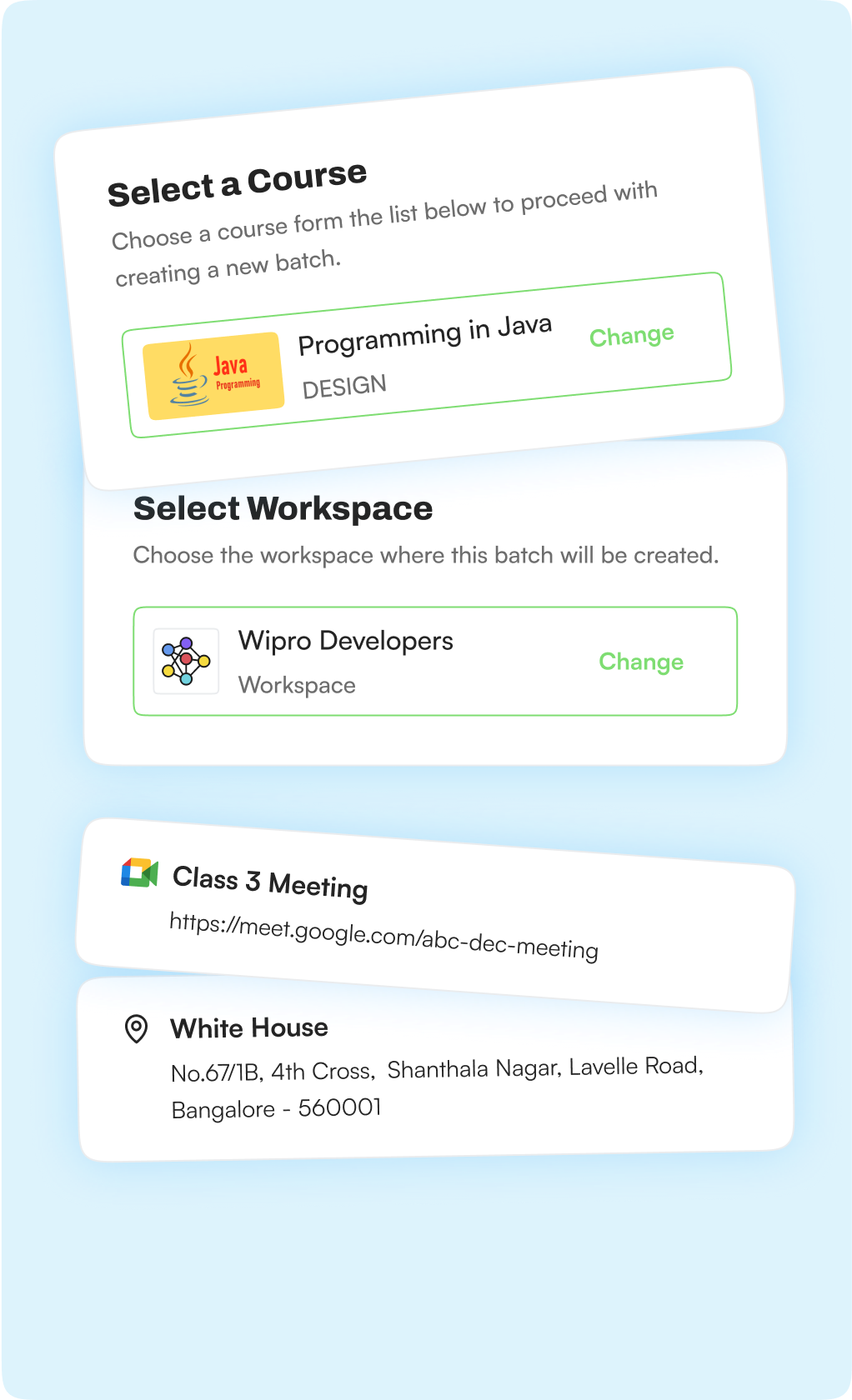
Choose the ILT course template built by Course Creators and assign it to the correct workspace. This keeps every batch isolated and scoped to the right client delivery environment.
Step - 02
Add reusable physical classroom venues and online meeting details such as Zoom or Google Meet links. This stage supports online, offline, and hybrid delivery models.
Step - 03
Review inherited milestones, classes, chapters, and parallel projects. Adapt the batch curriculum safely without changing the original ILT template, and add batch-only events such as review sessions or case-study discussions.
Step - 04
Schedule each class, project session, and event with its date, start and end time, venue or meeting link, and assigned instructor. Support different instructors across sessions and auto-sync successfully scheduled sessions to assigned instructors' Learnato calendars.
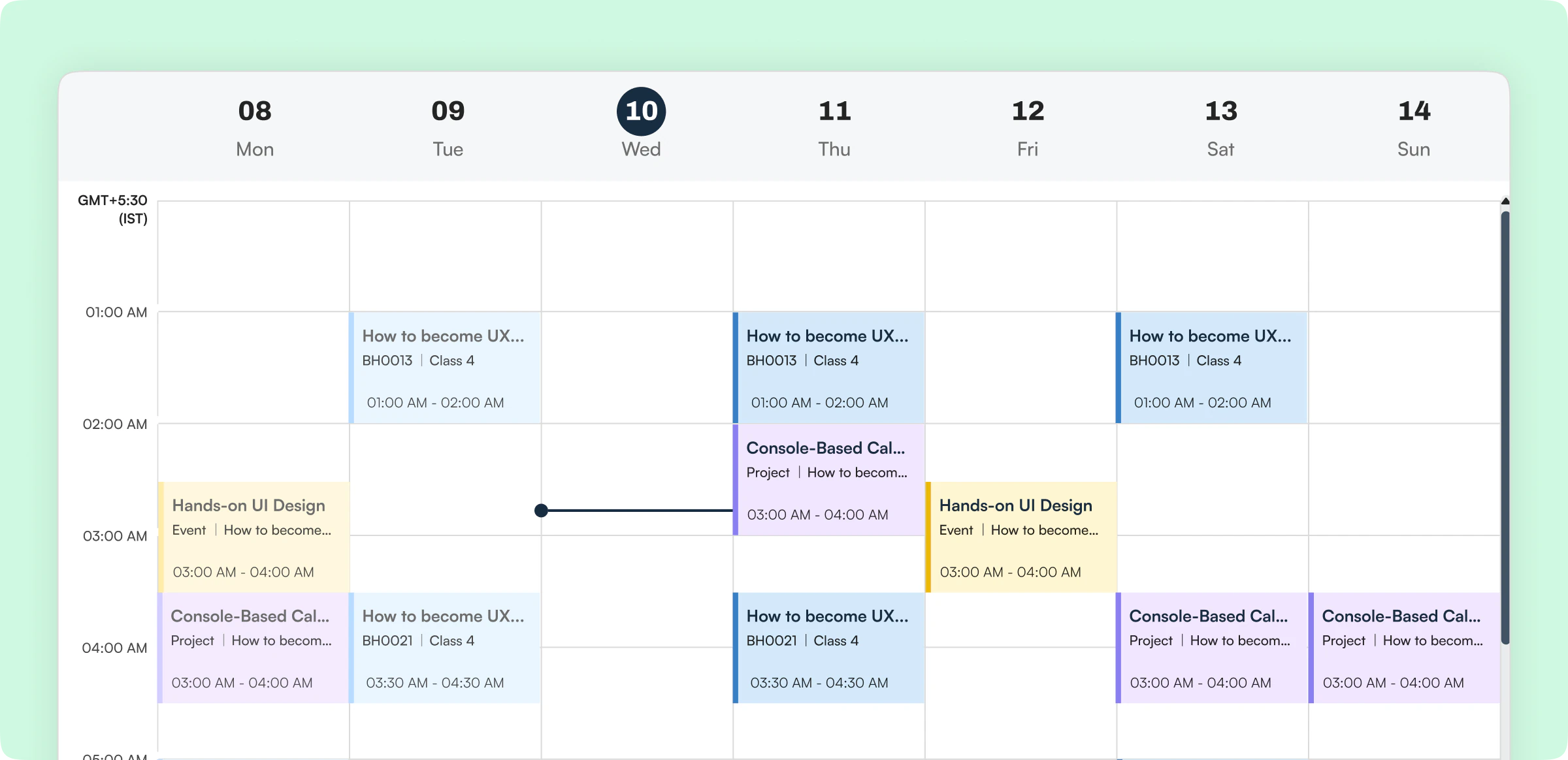
Calendar Automation
Once a batch is successfully created and sessions are scheduled, the relevant classes and sessions appear in the assigned instructor’s Learnato Calendar.
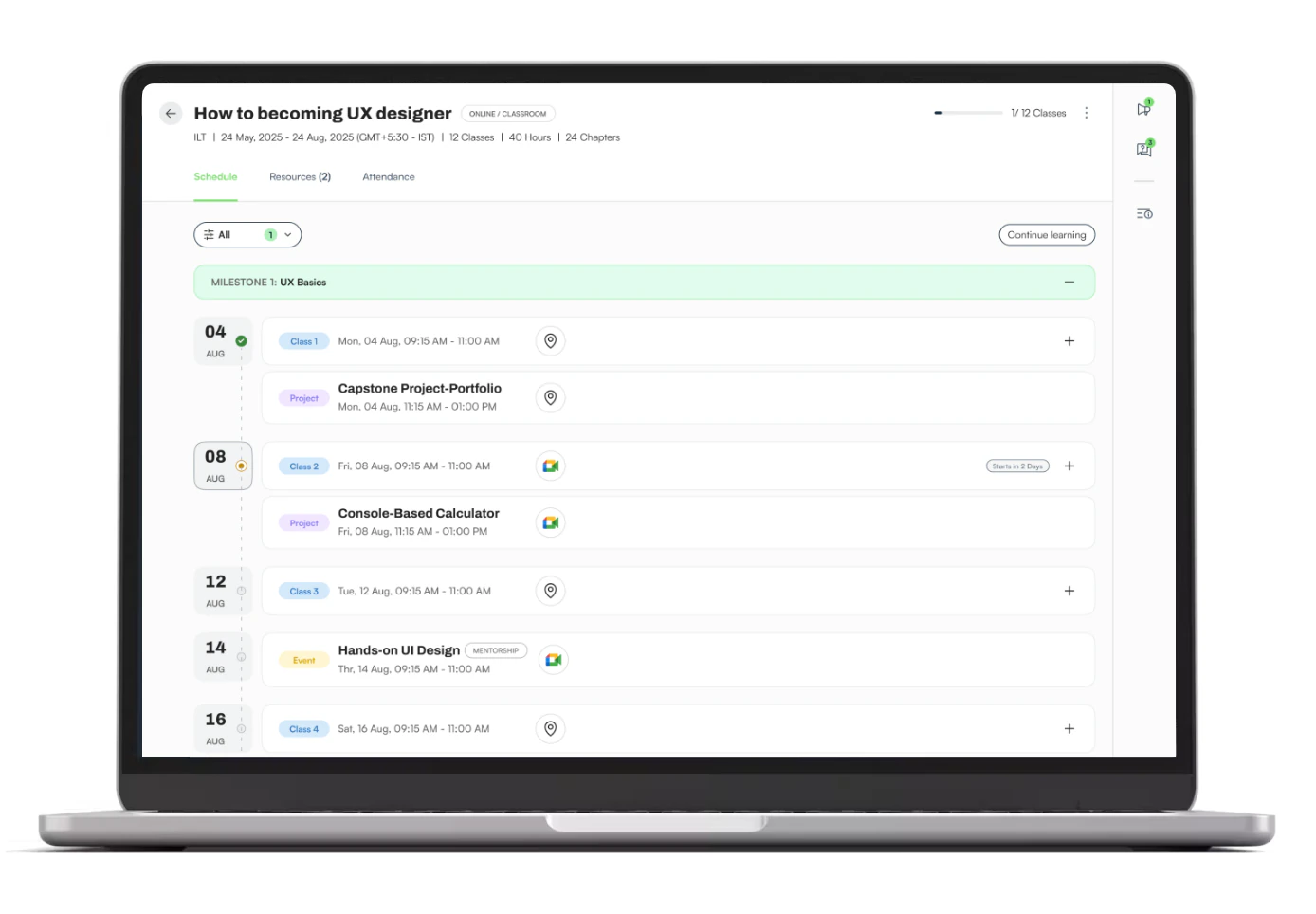
Learner’s view
Once the batch is created and learners are assigned, scheduled learning activities become visible to them. They can easily access What is next? When is it? Where do I join?
Hybrid Pipeline Sequencing
Live ILT portion triggers automatically once prerequisite self-paced courses are completed within the designated workspace.
Integrated Learning Path
Chronologically sequence interactive ILT batches alongside automated self-paced modules, knowledge checks, and projects. Scheduled live sessions function as integrated milestone steps within broader learning paths, allowing admins to track total student progress automatically.
A 30-minute walkthrough, tailored to how your team creates and delivers courses.